
🖼️ What Is the Image Picker Wheel?
The Image Picker Wheel is a fun and flexible random image generator that works like a traditional spinning wheel—but with pictures! Unlike text-based wheels, this version lets you upload your own images and spin to randomly choose one.
Think of it like a visual decision wheel. Instead of selecting text-based options like “Pizza” or “Sushi”, you can upload actual pictures of food and spin the wheel to decide visually. It’s ideal for teachers, gamers, families, and anyone who wants a fun and interactive way to make choices.
🔄 How Does It Work?
Using the Image Picker Wheel is incredibly simple, even if you’ve never used a spinning wheel before. Here’s how you can get started in just a few clicks:
Step-by-Step Instructions
Upload Your Images
- Click the “Upload Image(s)”

- Choose one or more images from your device.
- Supported formats include .jpg, .jpeg, .png, .gif, and more.
Preview & Manage Your Images
After uploading, your images will appear in the input list.
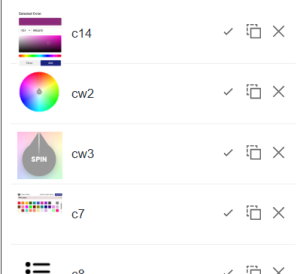
You can:
- Remove images you don’t want.
- Toggle selections on or off.
- Reorder as needed.
Spin the Wheel
- Click the “SPIN”
 button or hit Ctrl + Enter.
The wheel will rotate and stop on a random image.
See the Result
The selected image will be displayed clearly on the screen.
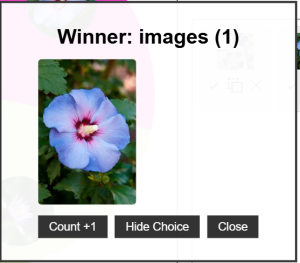
Choose what to do next ba
sed on your selected action mode.
🎮 Action Modes: Control How the Images Behave After Each Spin
The Image Picker Wheel includes three different action modes, giving you full control over how the wheel responds to each spin.

- Normal Mode
- Each spin is independent.
- Images stay on the wheel and can be chosen again in future spins.
- Elimination Mode
The selected image is temporarily removed from the wheel after being chosen.
- Ideal for games where each choice should only appear once.
- You can manually re-enable any image at any time.
- Accumulation Mode
- A counter increases each time an image is selected.
- Useful for tracking popular choices or adding scoring elements to games.
 Customize Your Experience
Set a Custom Result Title
Just open the Edit Title  Section, enter your custom result label.

It’ll display beautifully in the Result popup after the spin.
You can update your Result’s title by clicking the “More” button in the input section.
🖥️ Enjoy Full Screen Spinning for a Bigger Experience
Make your spins more immersive by clicking the Hide Input  . This feature expands the wheel to cover your entire screen, perfect for:
- Classrooms
- Presentations
- Game nights
- Live streams or parties
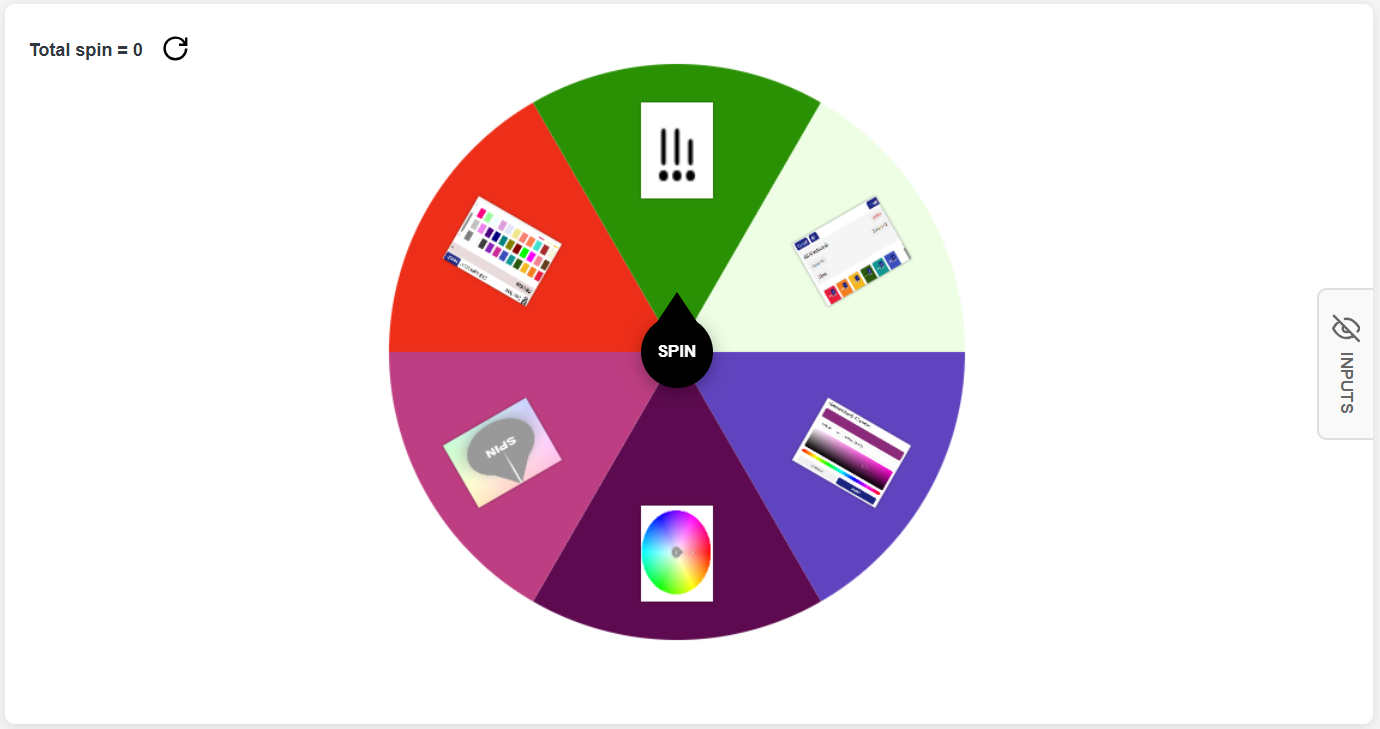
Click the Hide Input icon on the bottom-right corner of the tool and enjoy a more dramatic, theater-style spin!
📷 Where to Find or Create Free Images
Need great images but don’t have any saved? Here are some free and easy ways to source or create them:
Free Image Resources
- com – Free high-quality photos.
- com – Wide variety of free-use pictures.
- Irasutoya – A charming collection of cartoon-style images (Japanese website).
Create Your Own
- Use tools like Canva, Microsoft PowerPoint, or mobile apps to design your images.
- Save them as .jpg or .png, then upload directly into the picker.
From Your Device
- Snap a photo from your phone and upload it directly.
- Great for personalized games or class activities using familiar images.
🎯 Creative Use Cases for the Image Picker Wheel
Need some inspiration on how to use this tool? Here are fun and creative ways people around the world are spinning their own image wheels:
👩🏫 For Teachers:
Make learning visual and engaging! For example:
- Spin animal pictures for a biology quiz.
- Use shapes, colors, or letters for preschoolers.
🎲 For Games & Icebreakers:
Play party games or introduce new groups of people with interactive spins:
- Players must act out the pose shown in the picture.
- Use silly images for laughter and connection.
🍕 For Decision-Making:
Can’t decide what to eat or what movie to watch? Let the wheel do the work!
- Upload pictures of your top dinner choices and spin.
- Add images of destinations to choose your next travel spot.
🧠 For Memory & Matching Games:
Use image pairs and ask players to match selected images from memory after a spin. Great for training focus and recall.
🎨 Tips on Image Background and Wheel Appearance
Want your wheel to look just right? Here’s how image backgrounds affect the wheel visually:
- Images with backgrounds (e.g., a white square around a photo) will make the wheel slice adopt that background color.
- Transparent images (like .png files with no background) let the wheel’s default color shine through for a cleaner look.
- To ensure visual consistency, consider using similar styles or background settings for all your uploaded images.
🚀 Why Choose Wheelplay.net’s Image Picker Wheel?
✅ 100% Free to use
✅ No sign-up or registration
✅ Works on desktop, tablet, and mobile
✅ Fast, lightweight, and user-friendly
✅ No ads that get in your way
Whether you’re a parent, student, teacher, event host, or just someone who loves spinning wheels for fun decisions, Wheelplay.net brings playfulness to your fingertips.
💡 Final Thoughts
The Image Picker Wheel isn’t just a tool — it’s a visual experience. With its simple drag-and-drop interface, versatile action modes, and fun customization options, it’s perfect for turning any list of photos into an engaging, random selection game.
So go ahead: upload your favorite images, spin the wheel, and let the fun unfold!
🌀 Visit Wheelplay.net today and explore a world of interactive, image-based fun!
Random Color Generator Wheel
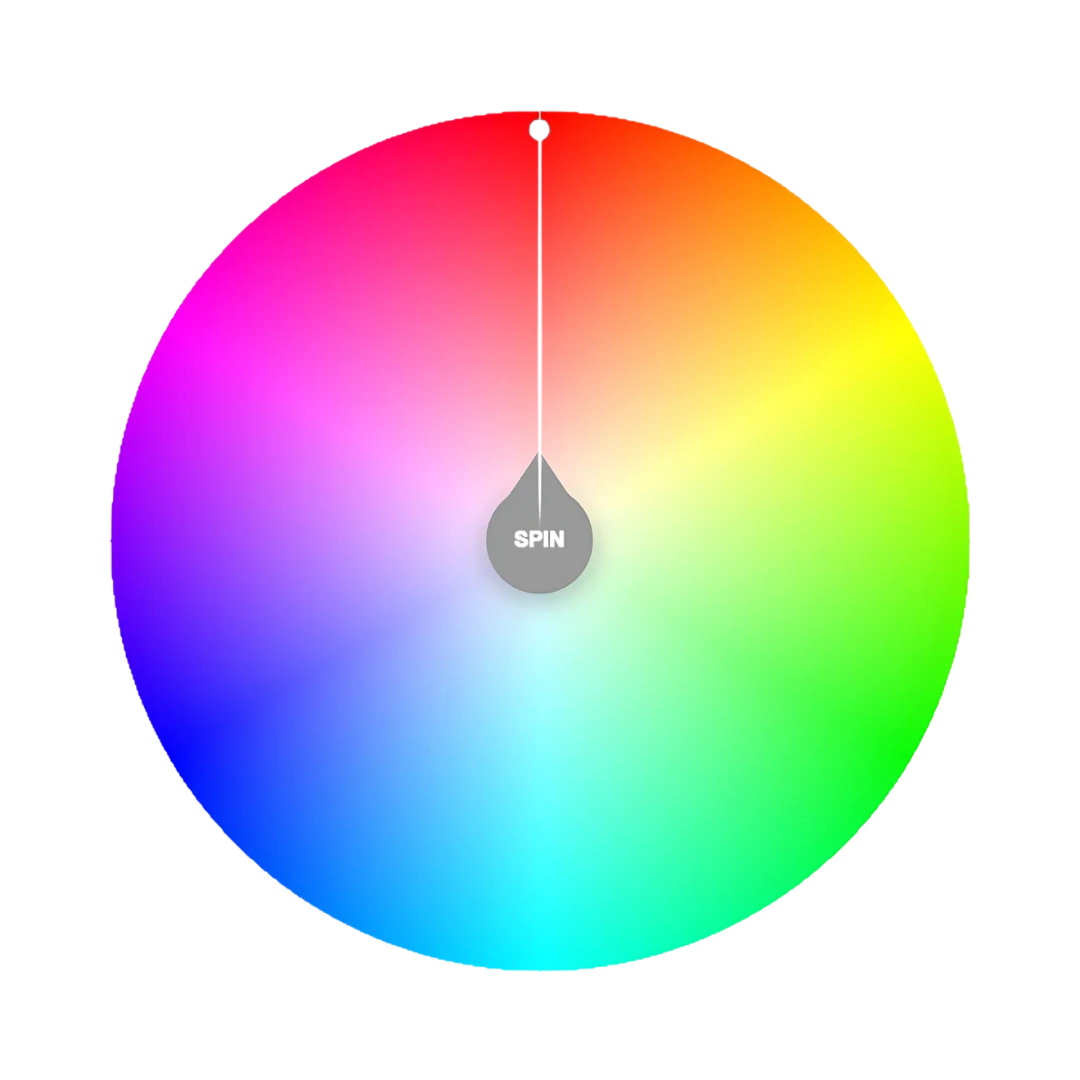
The Random Color Generator Wheel is an interactive online spinner that lets you choose colors in the most exciting way possible—by spinning a vibrant wheel packed with every hue in the spectrum. It’s not your typical color picker tool. Instead of clicking around or manually searching through a palette, simply click "SPIN" and let the wheel surprise you with a randomly selected color.
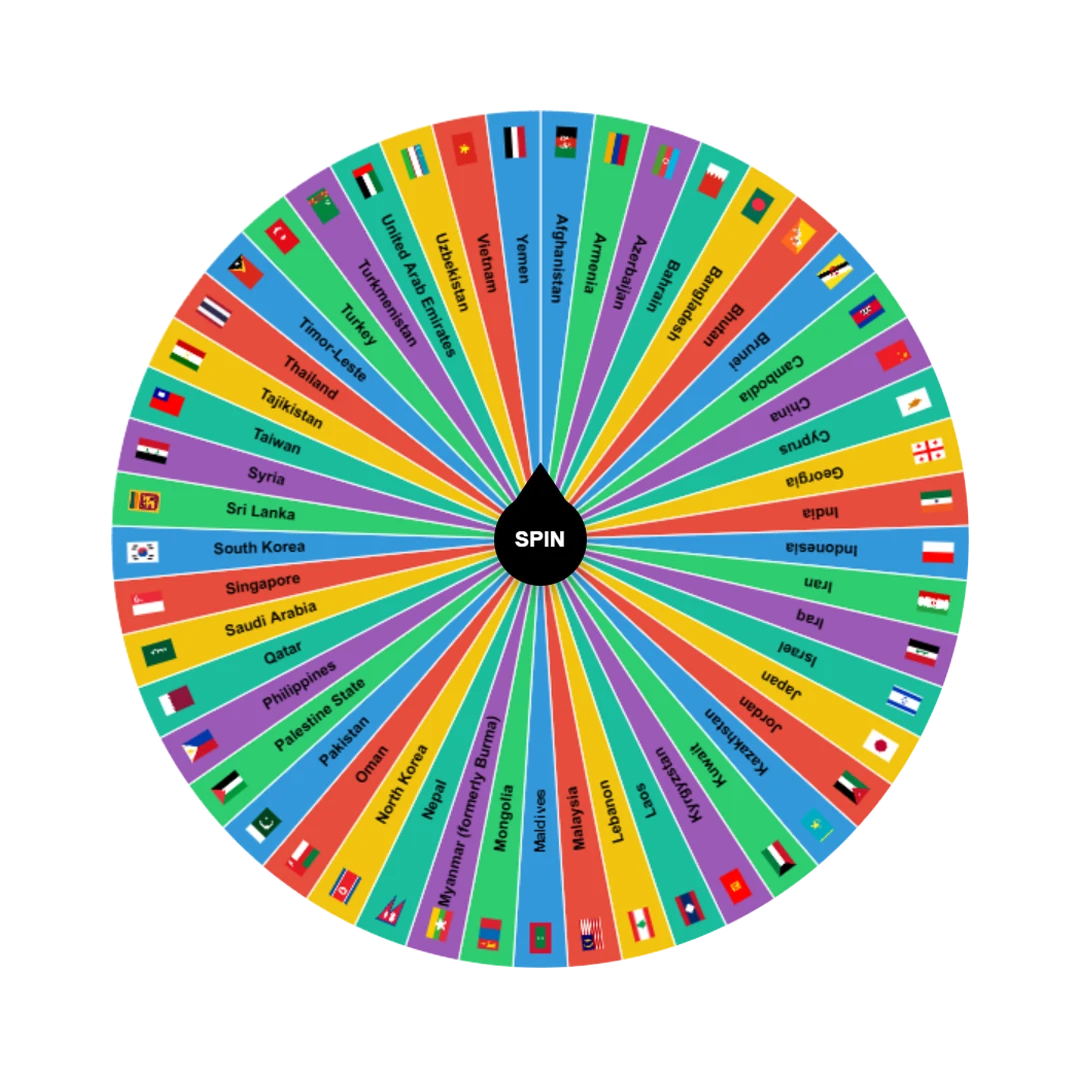
Country Picker Wheel
The Country Picker Wheel is an easy-to-use, customizable random country generator that lets you spin a digital wheel to land on a random country.
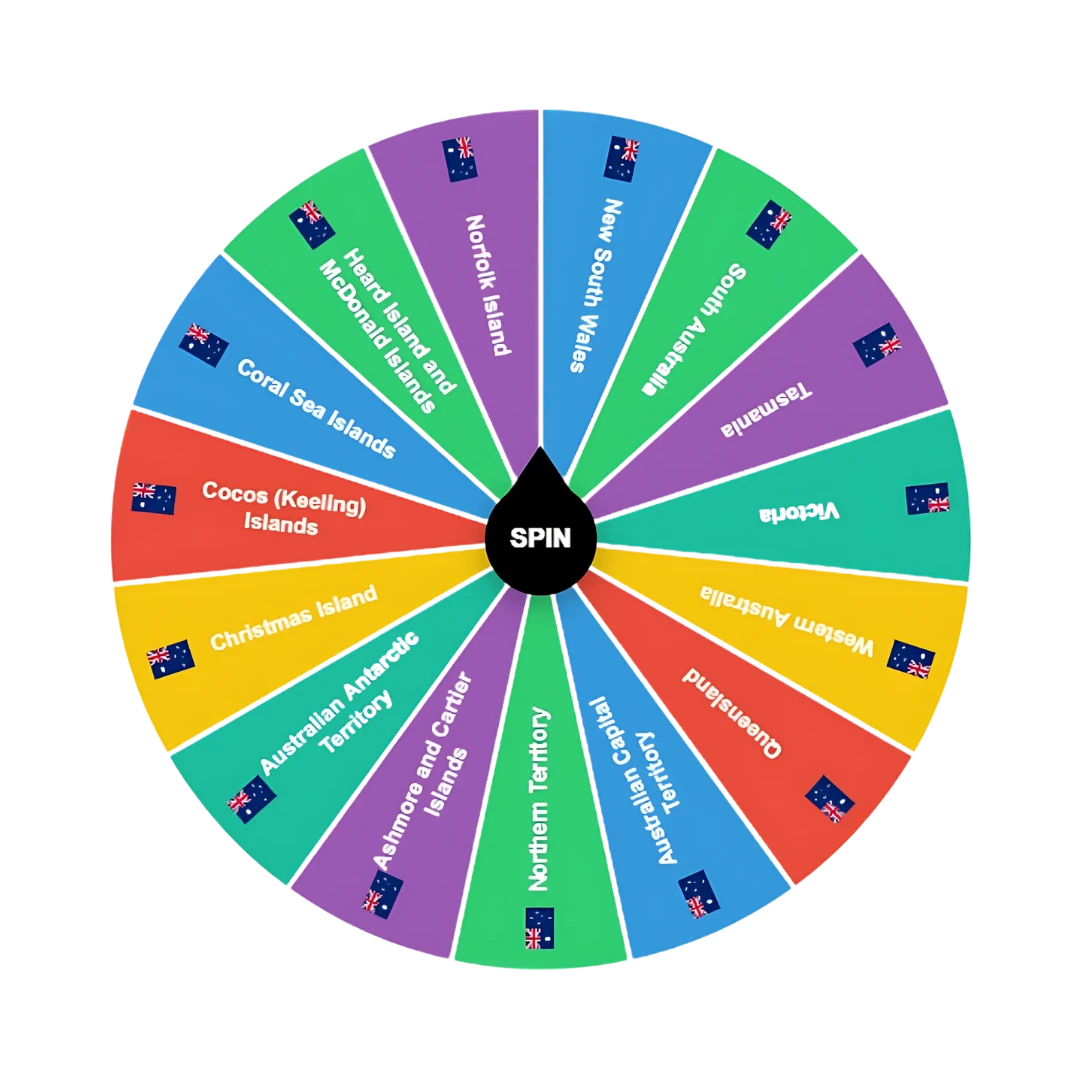
State Picker Wheel
The State Picker Wheel is a digital spinning wheel that randomly selects a state, province, or region from a chosen country. Think of it as a digital game of chance — but with a purpose. You choose a country, spin the wheel, and get a state randomly selected for you.
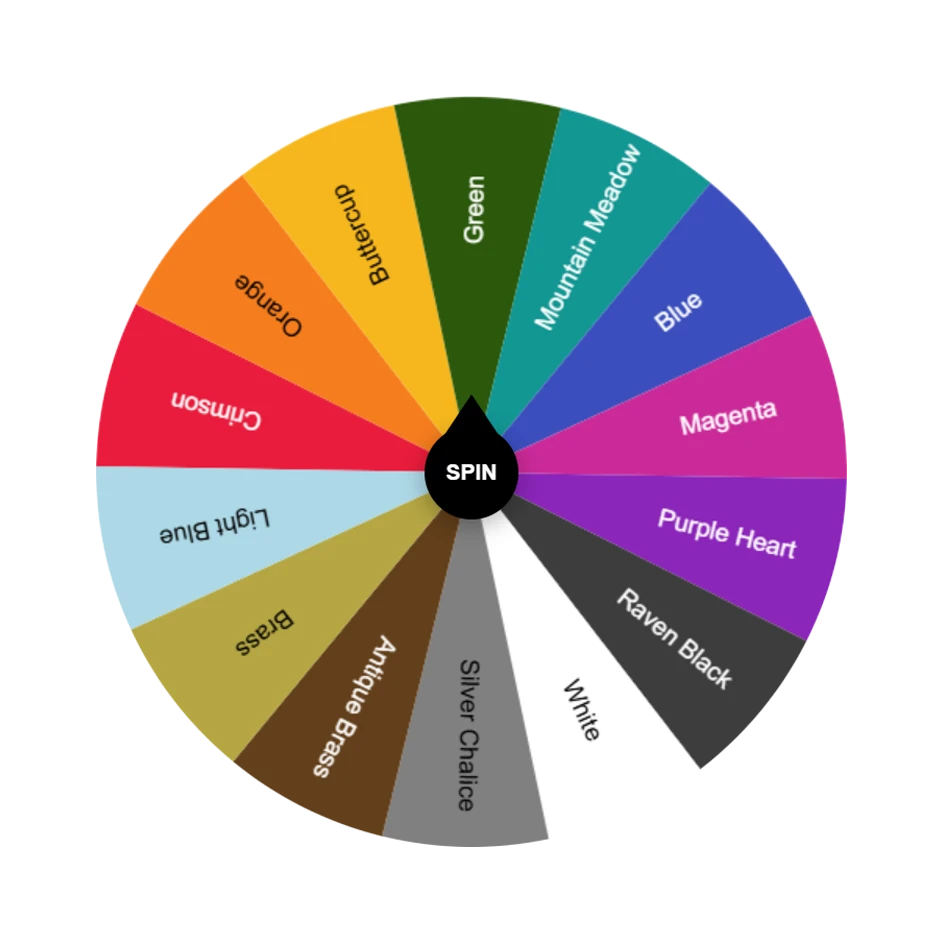
Color Picker Wheel
The Color Picker Wheel is a visual tool that helps users randomly select a color using a spinning wheel mechanism. It’s part of the growing suite of fun tools on Wheelplay.net, built to turn everyday decisions into interactive, playful moments.