
🔍 What Is the Team Picker Wheel?
The Team Picker Wheel is a smart random team generator designed to automatically split a list of names into groups or teams. It’s also often referred to as a random group generator or pair generator, since you can also use it to create random pairs.
Whether you need 2 teams or 20, our tool lets you:
- Create evenly balanced groups in seconds.
- Choose the number of teams or the number of people per team.
- Distribute participants based on gender or labels.
- Save results.
- Randomly pick a representative from each group.
All with no downloads, no installations, and no logins. Just pure, playful utility.
📃 How to Use the Random Team Generator
Using the team picker on Wheelplay.net is as easy as spinning a wheel. Here’s a step-by-step guide:
- Add Names
You can enter your list of names in two ways:
- Type them one by one directly into the input box.

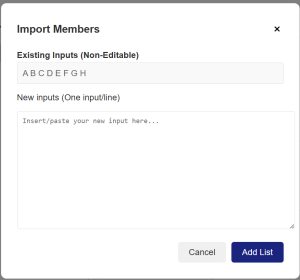
- Import a list using the “Import Inputs”
 This lets you paste names (one per line) or upload a CSV/Excel file.
- Choose Distribution Type
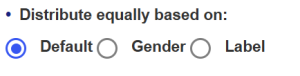
You have three ways to distribute names:
- Default:Equal distribution without any filters.
- Gender:Balance the number of males and females across teams (if gender is assigned).
- Label:Use custom labels to distribute names evenly across teams (great for balancing skills or roles).
- Set Team Size or Team Count
- If you choose the Default mode, you can also decide how many people are chosen from the given list. The selection is totally random.

- Insert the number of groups to be produced. OR, fill in the maximum number of people/group wanted. (By filling either of these fields, the system will automatically fill in another field for you based on your current name lists.)
-
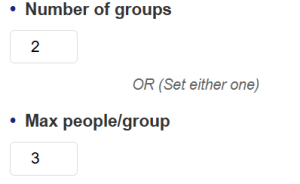
Our smart algorithm automatically fills the other value to balance things out perfectly!
- (Optional) Pick Team Representatives
Enable the “Pick Representatives” option if you want a random person from each team to be selected as a leader, presenter, or spokesperson.

- Click Start
Hit the “Start” button or press Ctrl + Enter and watch the magic happen!

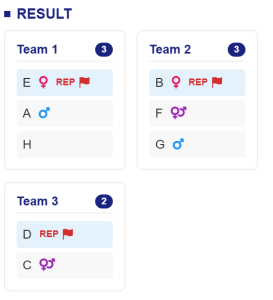
The Result will be displayed in the result section .
- View or SaveResults
Once your teams are created, you can:
- Download the team list as a CSV file.
- Pick Representative.

Open Full Screen for better visibility (great for classroom or team presentations).
You can also revisit or rerun your results anytime by clicking “Open Groups Board” button  .OR
.OR
- You can also remove the gruops by clicking the “Remove All Groups”
 .
.
🏛️ Customizing Your Groups
🌐 Rename Teams
Don’t want boring names like “Team 1” or “Group A”? Click “Set Team Names”  icon in the input section header and enter your own creative names. These will also be saved and shared along with your results.
🔎 Preset Group Members
Want to ensure certain people are grouped together (or kept apart)? Click the “Preset Group Members” option under the “More” menu and customize team combinations.
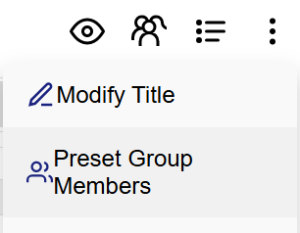
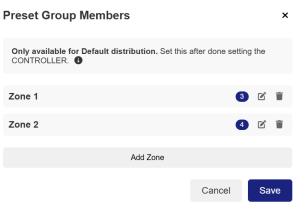
You can define who should be in the same team or who should be separated before randomizing.
📋 Modify Titles & Descriptions
Want to add a bit of context or fun messaging to your wheel? Enable the “Modify Title “ in the more options to add a custom title for the result:
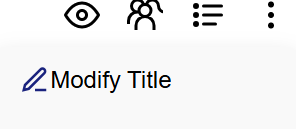
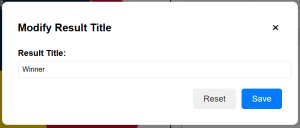
The title will appear in the Result section with teams generated.
📏 Key Features at a Glance
✅ 100% Free to Use
✅ No Sign-Up or Login Needed
✅ Unlimited Participants
✅ Up to 100 Groups
✅ CSV & Image Download Options
✅ Label/Gender-Based Distribution
✅ Preset Team Member Rules
✅ Full-Screen Presentation Mode
📚 Use Cases: When to Use the Team Picker Wheel
This isn’t just a classroom tool. Our random group generator is helpful in many real-world scenarios:
✏️ In the Classroom
Teachers and professors can use the tool to form random discussion groups or project teams. You can even label students by skill level or assign team names based on class topics.
🎮 Game Night
Use it to create fair teams for board games, online challenges, or family game night. Keep it fun and spontaneous with random pairing!
⚽ Sports and Competitions
Divide players into fair, balanced teams for sports matches, training drills, or tournaments.
🤝 Partner Generator
Want to generate random pairs? Just set “2 people per group” and instantly get randomized pairs. Ideal for dance partners, peer evaluations, or icebreakers.
🧳 Office Teams or Workshops
Split your attendees or employees into teams for collaborative activities, brainstorming sessions, or team-building exercises.
⚖️ Why Use Wheelplay.net for Team Picking?
There are plenty of randomizers online, but Wheelplay.net stands out for its clean design, powerful options, and fun, user-friendly experience.
- No pop-ups, no ads that get in your way
- Works seamlessly on desktop, tablet, and mobile
- Constantly updated with new features
- Built with privacy and safety in mind
You don’t need to install anything, sign up for anything, or pay a single cent. Just open the tool and go!
🚀 Try the Team Picker Wheel Now!
Ready to create your first random team? Head over to the Team Picker Wheel at Wheelplay.net and try it yourself. Whether you’re a teacher, game host, coach, or event organizer, this tool is designed to make your life easier and your groups fairer.
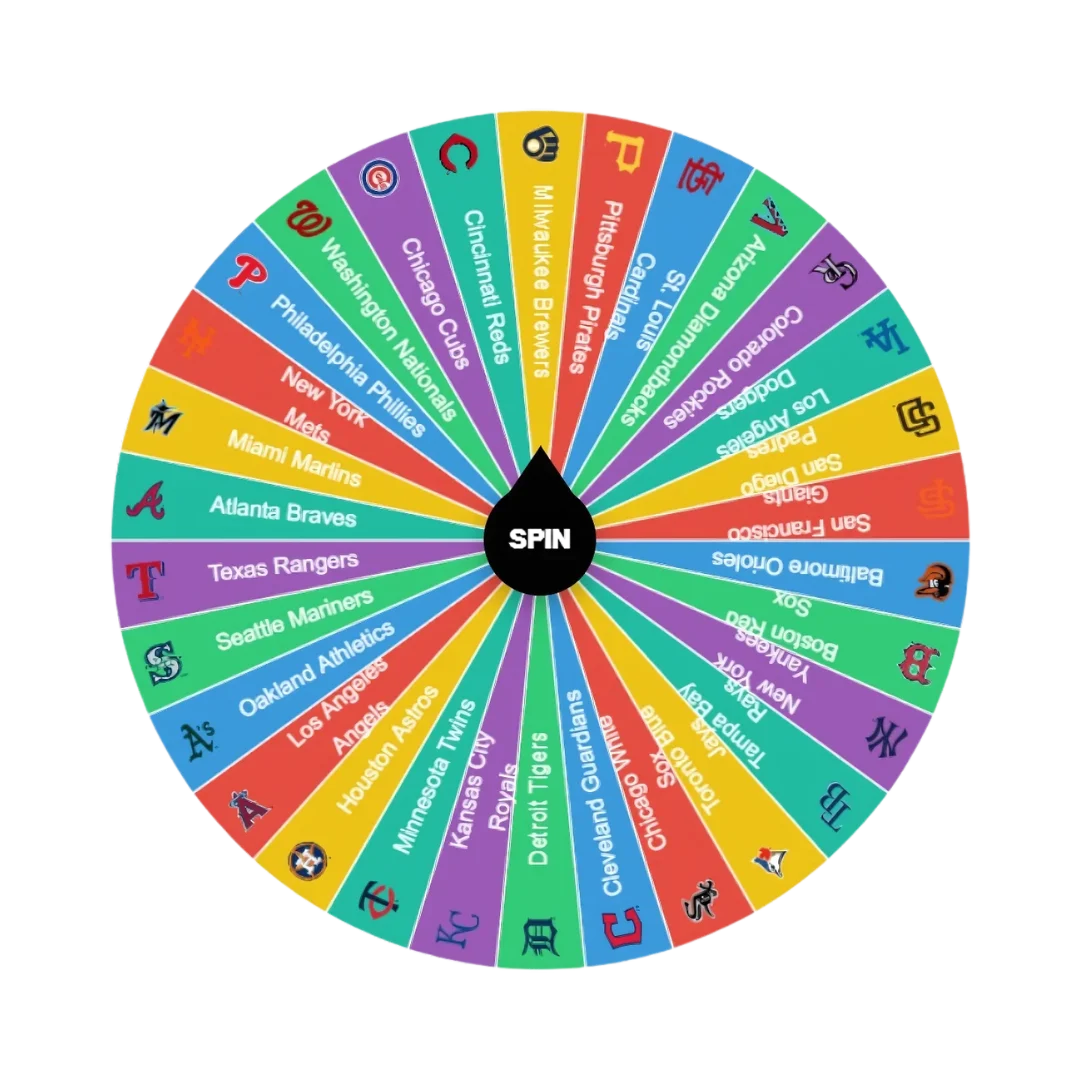
MLB Team Picker Wheel
The MLB Picker Wheel is a digital spinning wheel that randomly selects one of the 30 official Major League Baseball teams — from both the American League and the National League.
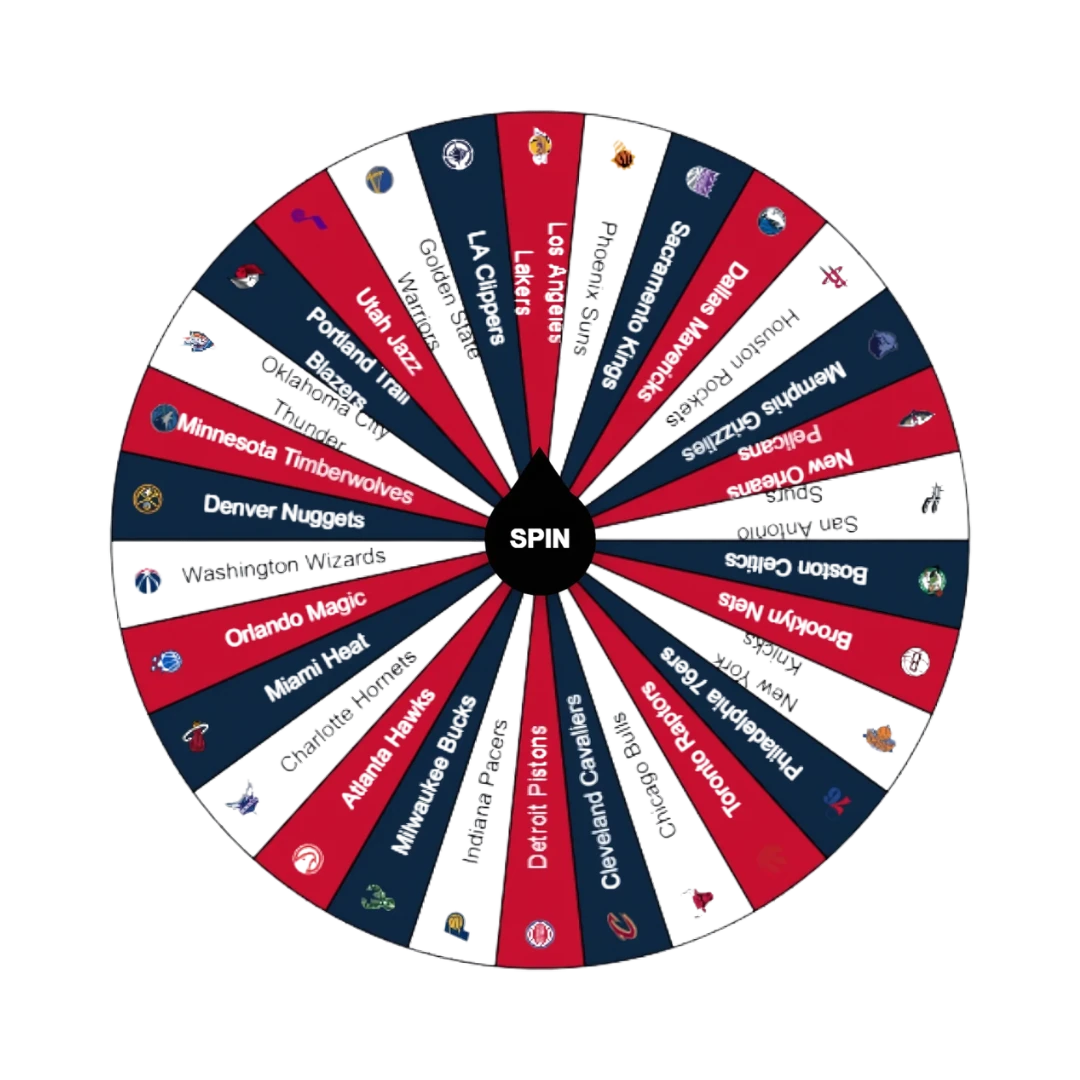
NBA Picker Wheel
The NBA Picker Wheel is a specialized random team generator featuring all 30 official NBA teams. With just one spin, the wheel randomly selects a team for you — complete with the team name, logo, or both depending on your preference.
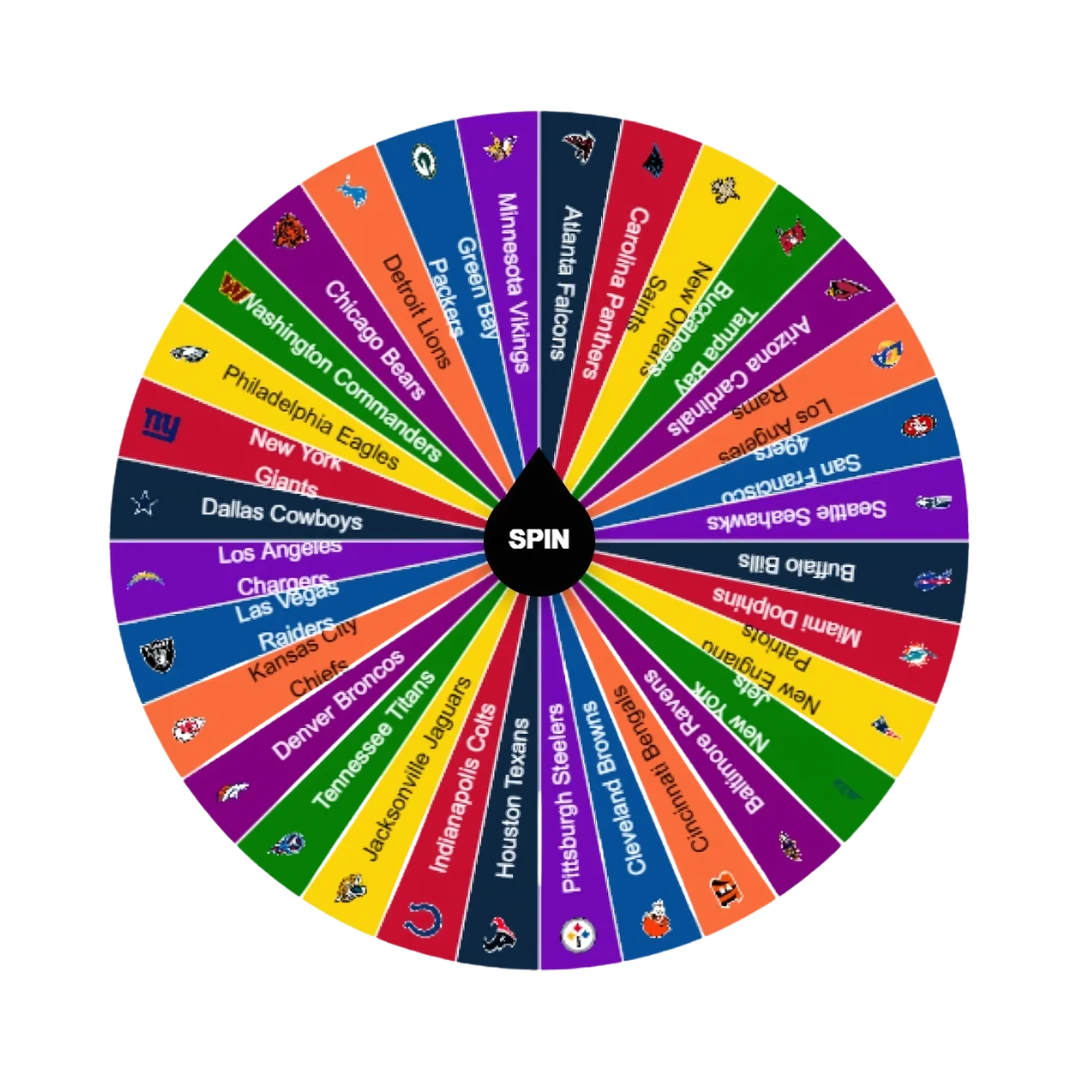
NFL Picker Wheel
The NFL Picker Wheel is a customizable, random NFL team generator built around an interactive spinning wheel. Instead of choosing manually, let the wheel decide for you! Just click the “Spin” button (or press Ctrl + Enter) and watch the wheel randomly select one of the 32 NFL teams.
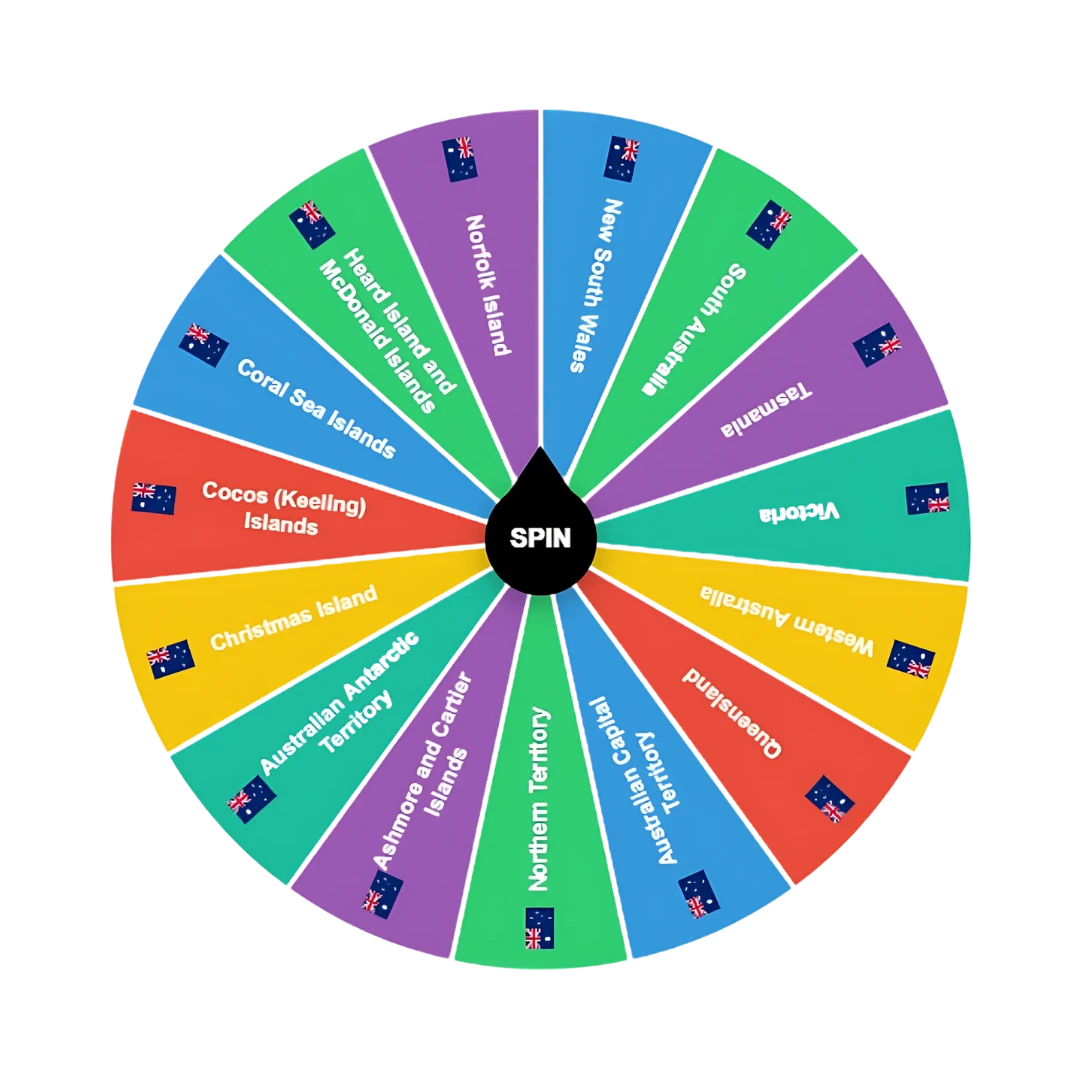
State Picker Wheel
The State Picker Wheel is a digital spinning wheel that randomly selects a state, province, or region from a chosen country. Think of it as a digital game of chance — but with a purpose. You choose a country, spin the wheel, and get a state randomly selected for you.